Free
Enough to make it part of your week. No account required.
- 3 templates
- 2 variables per template
- Apple Reminders
- iCloud sync and the starter gallery

Templator · iPhone · iPad
Templator turns the checklists you rebuild every week into templates. Fill in the details, review, and send the result straight to the to-do app you already use.

Free · Optional Pro upgrade
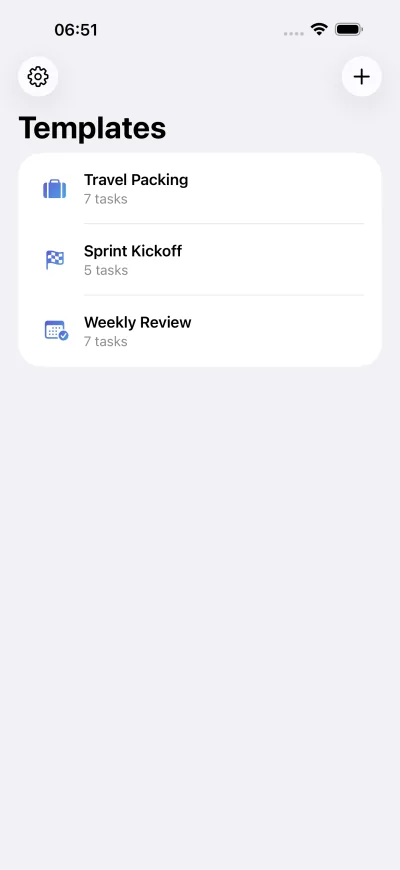
Templates
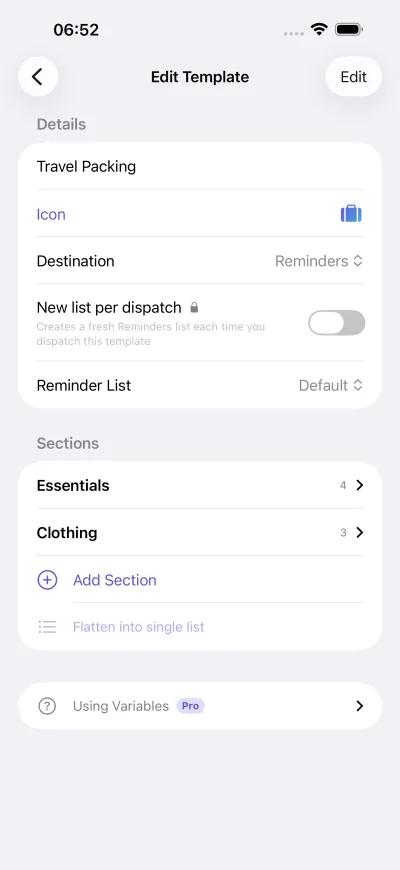
Weekly reviews, sprint kickoffs, travel packing, client onboarding. Build each as a template with sections, tasks, notes and due-date offsets, or start from 49 ready-made templates across eight categories.
Variables
Put placeholders like {{client}} or {{deadline}} in task titles and notes. When you dispatch, Templator asks for them with a date picker, number pad or menu, and remembers defaults and recent answers.
Template
Dispatched
Review
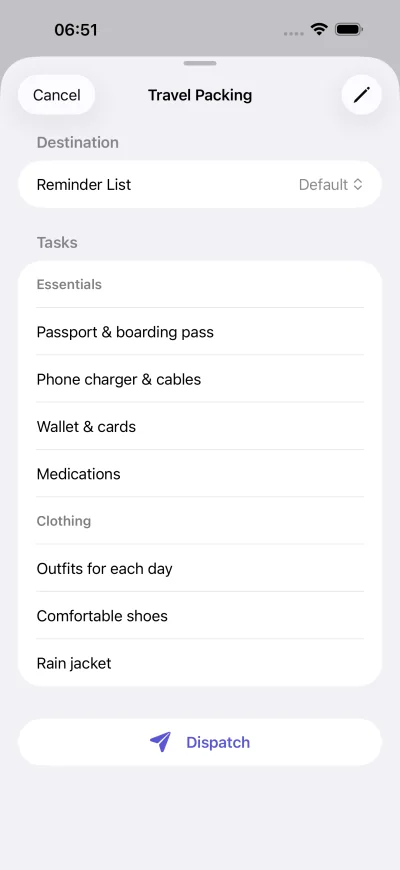
Every dispatch opens a review sheet. Switch off the tasks this run doesn’t need (or a whole section at once) and send only what matters.
Destinations
Apple Reminders works out of the box. With Pro, Templator also sends to Things 3 as projects with headings, to Todoist projects, and to OmniFocus with due dates intact.
The details
Pricing
Enough to make it part of your week. No account required.
For the workflows you run every week. Available as an in-app purchase.
Privacy
Templates are stored on your device and in your private iCloud container. There’s no account to create, and the studio can’t see your templates. Anonymous usage analytics help improve the app. They are never linked to you or sold.
Free to download, with an optional Pro upgrade.