Free
Everything you need to get thoughts into Reminders. No account required.
- Natural language in English and Norwegian
- Quick scheduling buttons
- All your lists, widgets, Controls and Shortcuts
- Location reminders for Home and Work
Fast Reminders: Quick Add · iPhone
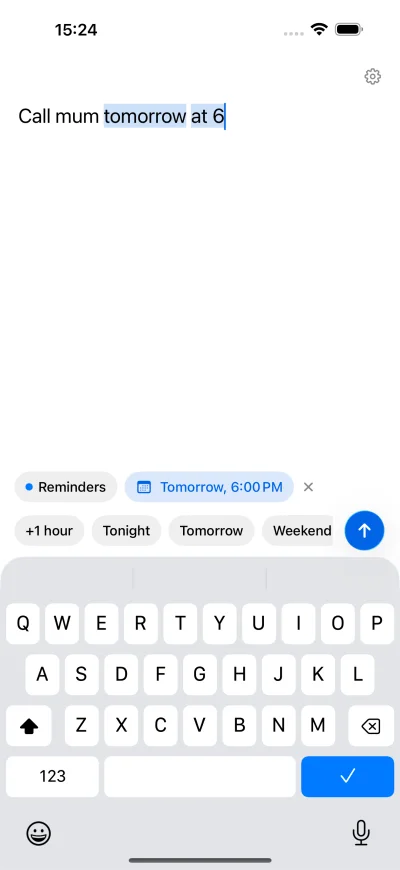
Fast Reminders opens with the keyboard already up. Type “Call John tomorrow at 10”, see what it understood, tap Add, and the field is ready for the next one.
Free · Optional one-time Pro purchase
Capture
Open the app and start typing. There’s no list to scroll past and no form to fill in. Tap Add, or just press Return, and the field clears for the next thought.
Natural language
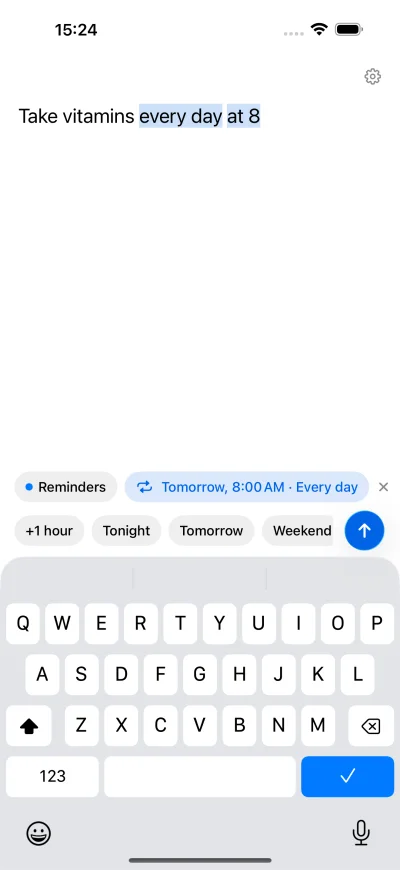
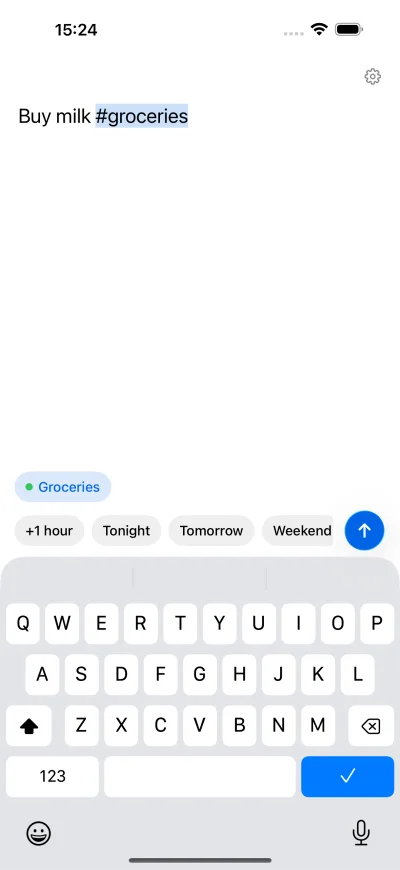
Dates, times, repeats, lists and priorities are picked out as you type and highlighted, so you can see what will be saved. Misread something? Tap the × and the words go back into your reminder.
You type
Saved to Reminders
One hand
Scheduling buttons sit right above the keyboard. Buttons that no longer make sense, like Tonight at 23:00, hide themselves. Every daily, weekly, monthly and yearly repeat that Reminders supports is understood.
Apple Reminders
Everything is saved straight into the lists you already have, with dates, alerts, repeats and priorities, and syncs wherever Reminders does. Add #groceries to pick a list. There’s no account, no server and no separate database.
The details
Pricing
Everything you need to get thoughts into Reminders. No account required.
Make it yours. One purchase, no subscription.
Privacy
Reminders go straight into Apple Reminders and sync through your own iCloud, as they always have. Fast Reminders has no account, no server and no analytics, and the studio can’t see what you write. Your location is only used when you choose Current Location for a reminder.
Free to download, with an optional one-time Pro purchase.